
Two growth loops.
One customer ledger.
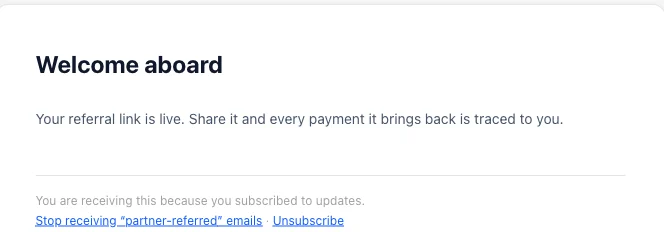
Run your affiliate program and your lifecycle email against the same customer record. A partner-referred customer and a campaign recipient are the same row, so attribution survives when someone moves between them.
- clickreferral code recorded
- signupcustomer key attached
- paymentStripe payment referenced
- commissionawaiting approval
affiliate Express account
Acquisition and retention are usually tracked in different tools. The affiliate platform knows who referred a customer. The email platform knows what that customer was sent. Neither can answer what the two did together.
The join between them is where the argument starts.
When a partner disputes a commission, or a campaign is credited with revenue it did not cause, the disagreement is rarely about the numbers. It is about which system holds the version that counts.
Growth keeps one customer record and lets both modules write to it. The referral trail and the send history sit against the same row, so the record you review is the record that decided the payout.

Both loops write to the same row.
Your backend sends events to an organization-scoped API. Affiliate events resolve a partner and a commission; email events resolve a contact and a send. Both resolve the same customer.
Acquisition
Affiliation- click
Referral code or click ID recorded
- signup
Customer key attached to the partner
- payment
Stripe payment referenced, idempotent
Lifecycle
Email- identify
Contact resolved from your application
- campaign
One-off send or recurring routine
- survey
Answers written back onto the contact
One customer record
A partner-referred customer and a campaign recipient are the same row. Neither module keeps a private copy, so attribution survives when a customer moves between them.
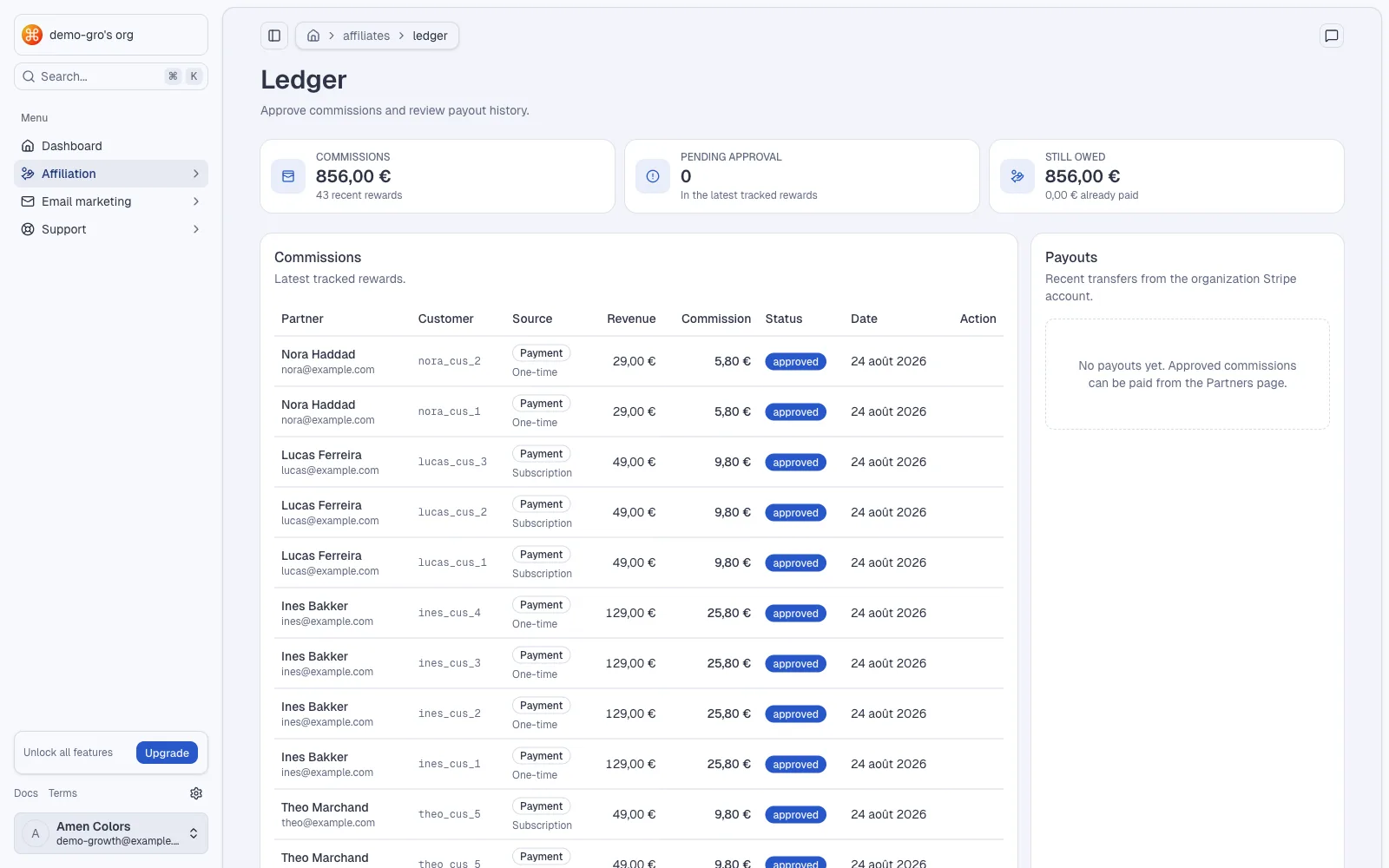
Rate and tier resolved at the moment of payment
Stripe transfer from the account your organization connected
Audiences built from referral and revenue context
An affiliate program you can inspect line by line.
Built around the decisions an operator actually makes: who referred whom, what rate applies, and whether a payout is ready to send.
The affiliate moduleReferral attribution
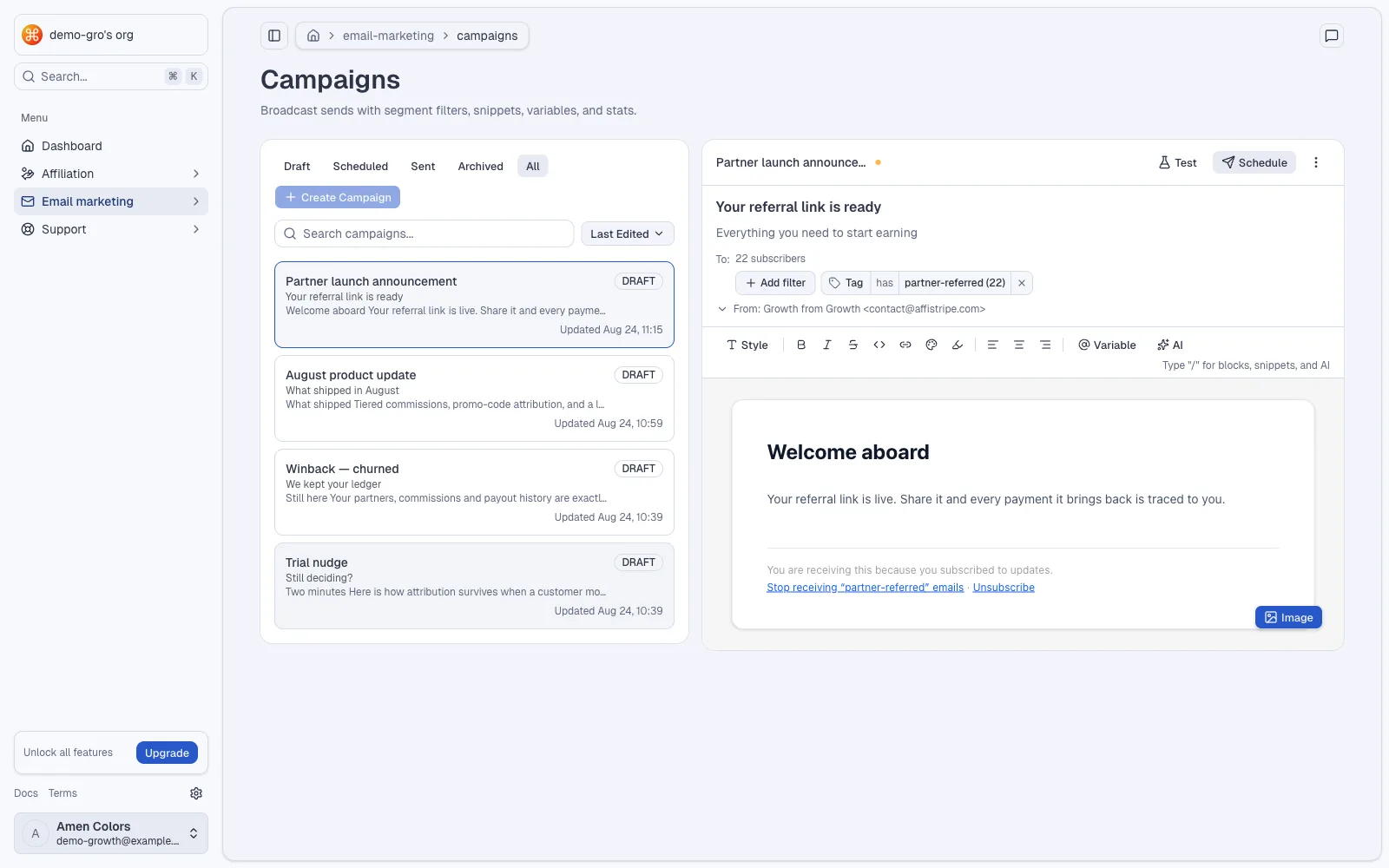
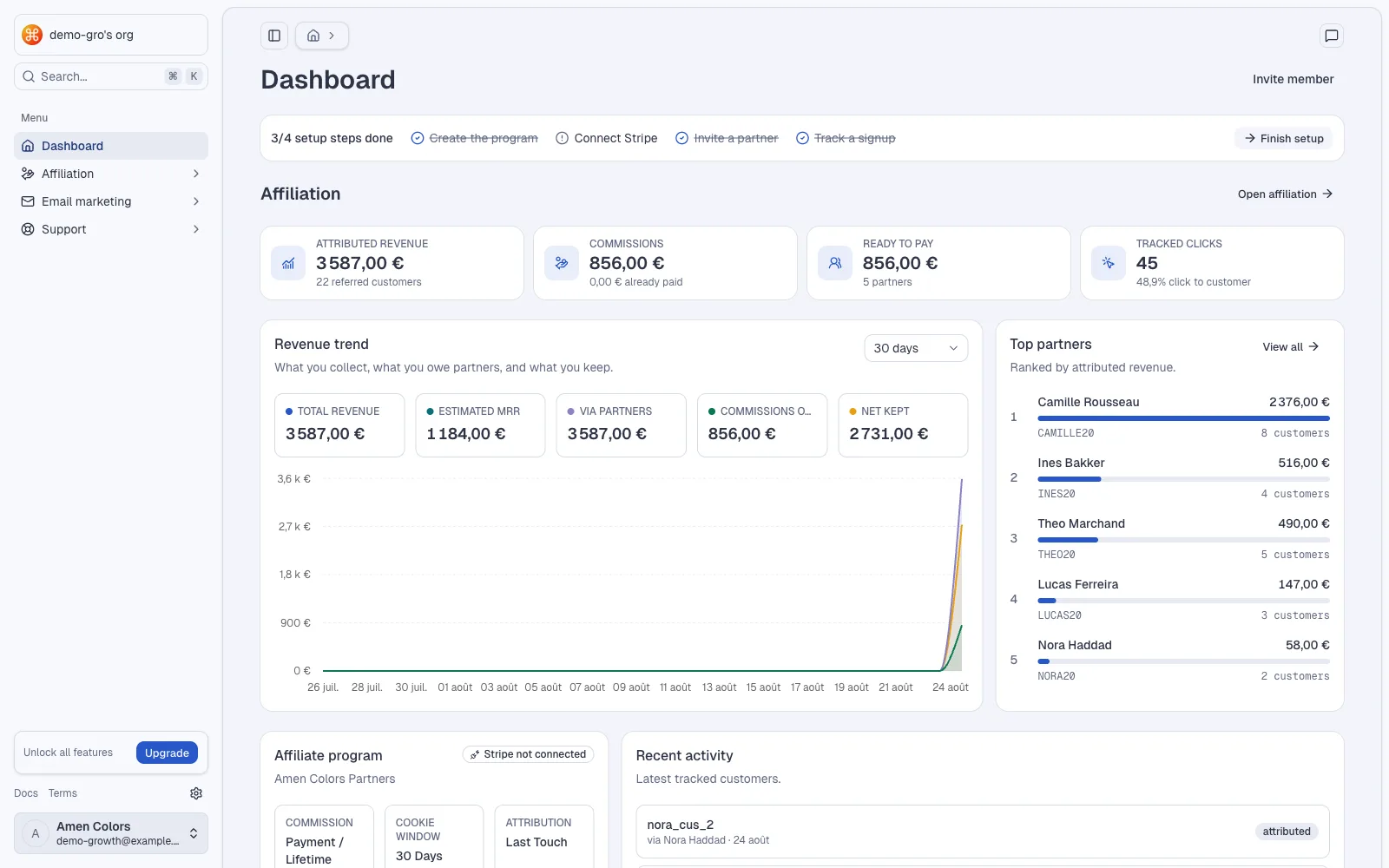
Associate the events your backend sends with a partner using referral codes, click IDs or visitor IDs.
Manual recovery
Attribute a customer by hand when a partner brought them outside the tracked path. The trail records who decided it and when.
Tiered commissions
Tiers unlock by referred revenue or referred customers. Each pays a fixed amount or a percentage, once, for a year, or for a lifetime.
Promo codes
Attribute conversions through coupon codes as well as links, and sync those codes with Stripe.
Stripe Connect payouts
Partners onboard to Stripe Express. An approved payout becomes a transfer from your connected organization account.
Partner portal
Each affiliate gets their referral link, codes, tier position and Stripe onboarding path in one place.
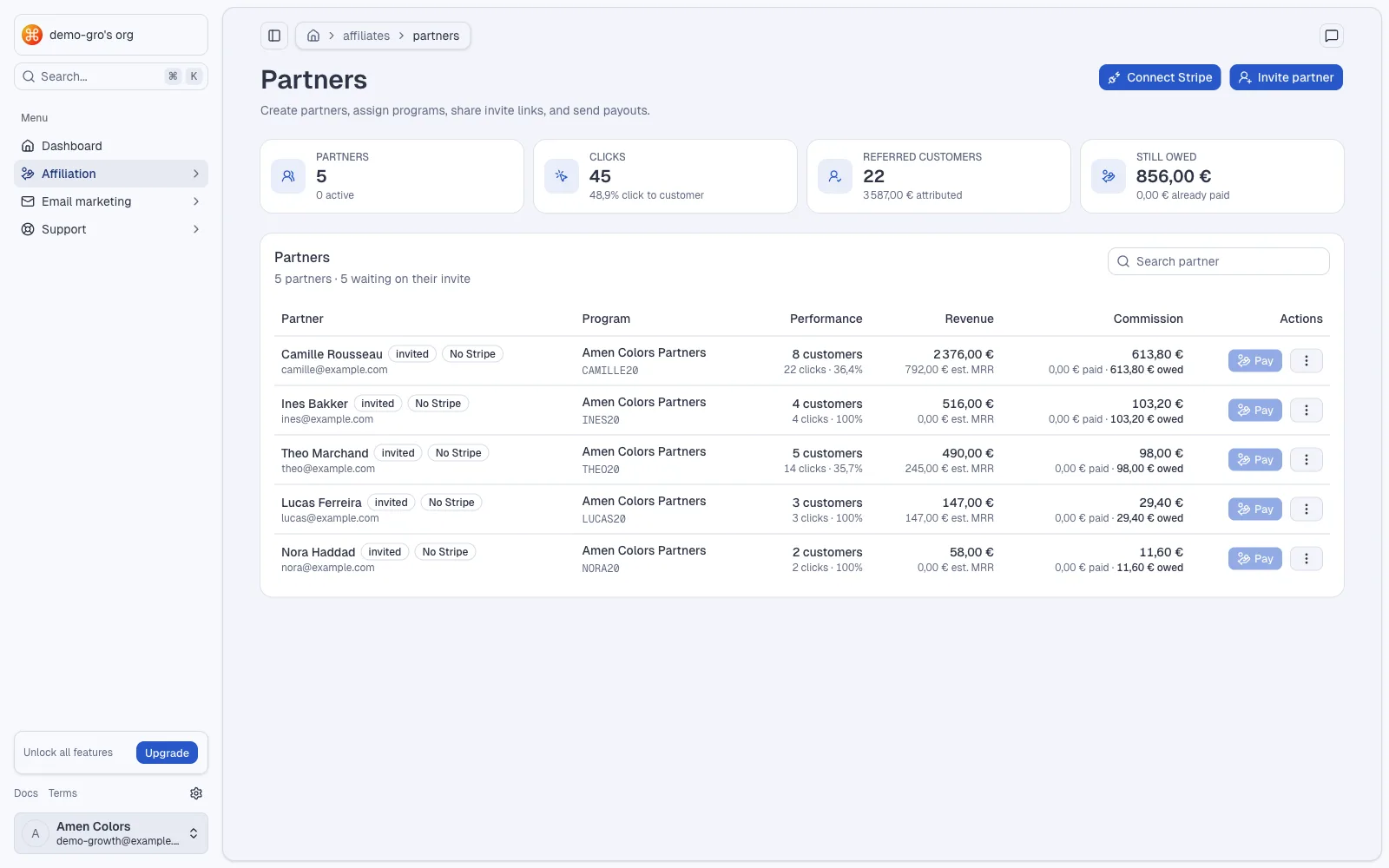
Email that already knows what the customer is worth.
The same workspace composes and sends. Because segments read the shared record, an audience can be defined by referral and revenue context, not just by a tag.
The email moduleCampaigns
One-off sends for launches and promotions, composed in the built-in editor with reusable templates and snippets.
Sequences
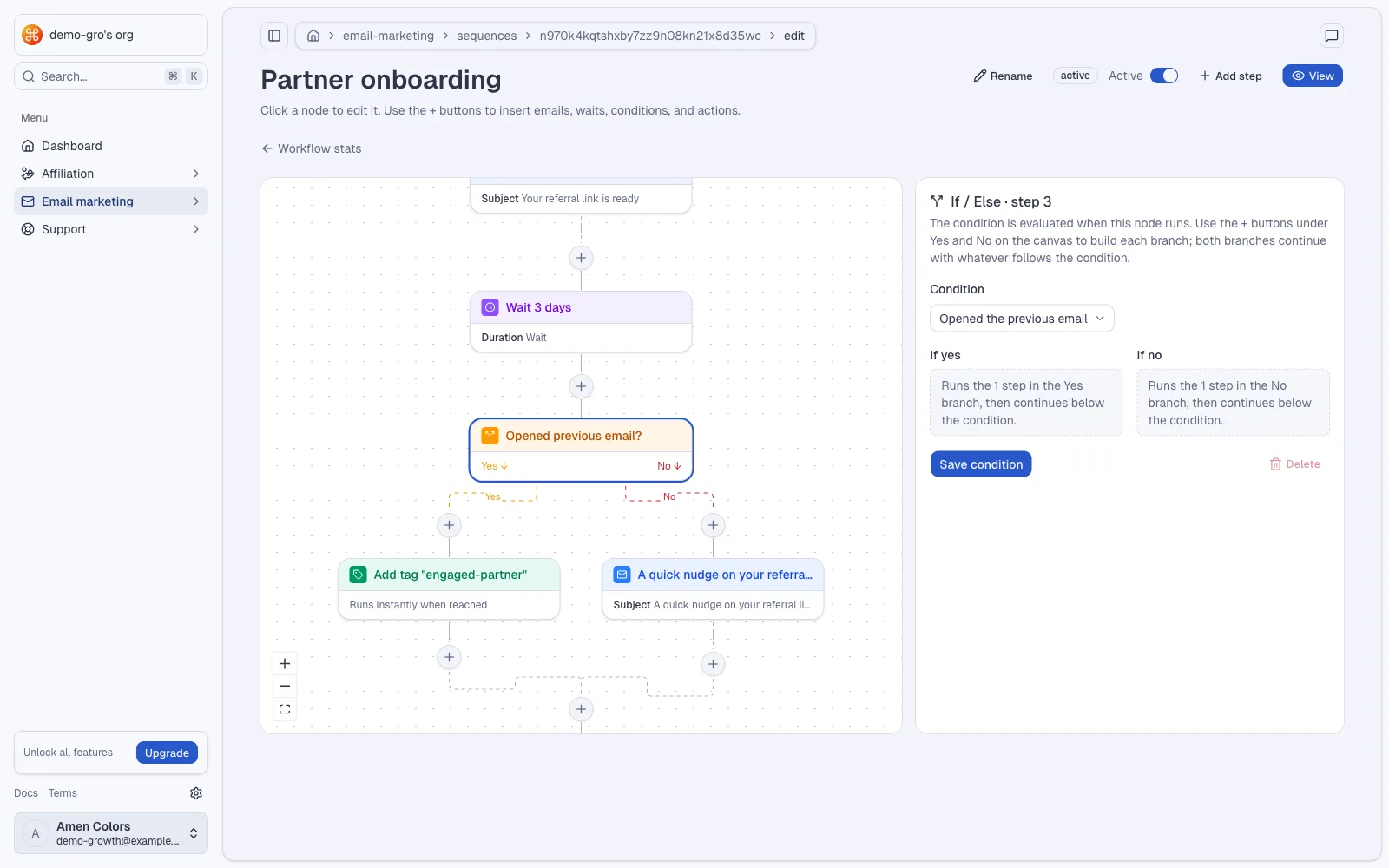
Recurring lifecycle routines that run on a schedule or fire from an event your application triggers.
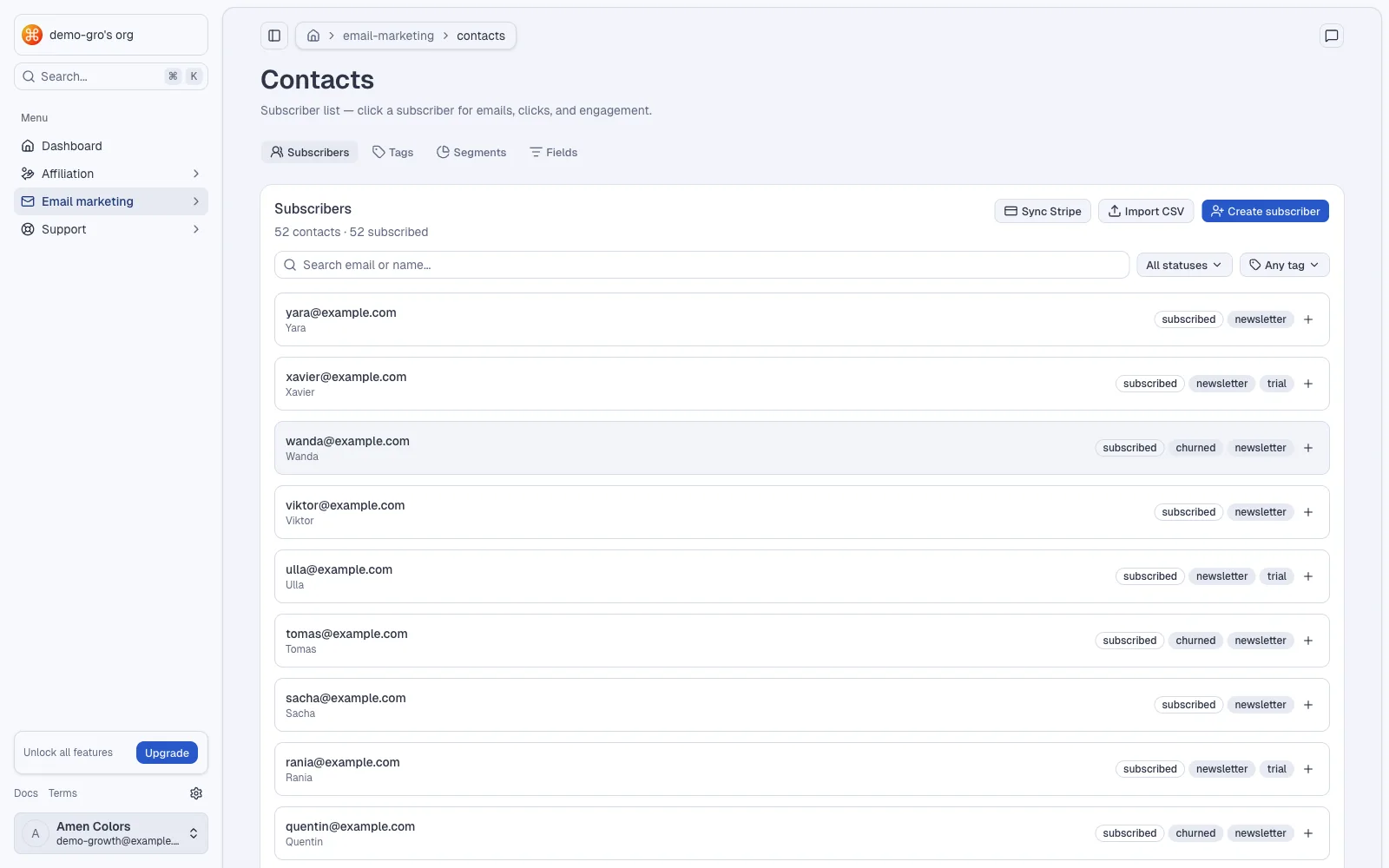
Segments and tags
Audiences built from contact fields, tags, and the referral and revenue context already on the customer record.
Transactional
Templated product email sent from your application through the API, kept alongside the marketing history.
Surveys and captures
Collect answers and signups, and write the responses back onto the contact so segments can use them.
Your own sending domain
Verify a domain you control, or send from Gmail. Deliverability settings live with the rest of the workspace.
Wire it once, from your backend.
- 01
Connect Stripe
Connect the Stripe account your organization already uses. Growth reads the payment data attribution needs and sends approved transfers from that same account.
Stripe Connect OAuth · organization account - 02
Define the program
Set the commission rate and its duration — once, one year, or lifetime — then add tiers that unlock by referred revenue or referred customers.
fixed amount or percentage · per program - 03
Send the affiliate events
Call three documented endpoints with an organization API key, passing the referral code, click ID or visitor ID your application retained.
POST /api/v1/affiliate/click · /signup · /payment - 04
Identify contacts and send
Identify a contact against the same customer, then trigger a routine or send transactional mail from your application.
POST /api/v1/email/contacts/identify · /workflows/trigger · /transactional/send - 05
Approve and pay
Review accrued commissions by partner and by customer. When an owner or admin approves a payout, Growth creates the Stripe transfer.
stripe connect express · your balance, your timing
Start with the program
you can audit.
The Free plan starts at €0 with five affiliates, one program, €1,000 monthly attributed revenue and 1,000 stored emails. Paid plans raise the capacity available to your organization.
- Up to 5 affiliates
- Up to €1,000 affiliate revenue / MRR
- 3 team members
- 1,000 stored emails
- Up to 100 affiliates
- Unlimited affiliate revenue
- 5 team members
- 10,000 stored emails
- Unlimited affiliates
- Unlimited affiliate revenue
- 15 team members
- 100,000 stored emails
- Unlimited affiliates
- Unlimited affiliate revenue
- Unlimited team members
- Unlimited stored emails
Questions before your first program.
Where does the money sit?
Your organization connects its own Stripe account. When you approve a payout, Growth creates a Stripe transfer from that account to the affiliate's connected account. Growth never holds a balance on your behalf.
Do I have to use both modules?
No. Affiliation and email work on their own. They share the customer record when you use both, which is where the reporting between acquisition and retention comes from.
Do affiliates need a Stripe account?
Yes. Each affiliate connects a Stripe Express account before they can receive payouts, and they begin that onboarding from their own portal.
How is a customer attributed?
Your backend sends click, signup and payment events to the organization API using the referral code, click ID or visitor ID you provide. An operator can also link a customer by hand when a genuine referral was missed.
Can commissions be recurring?
A program pays once, for one year, or for the customer's lifetime. Tiers can change the rate as a partner passes revenue or customer thresholds.
What happens when tracking misses a referral?
Open the customer record, link it to the right affiliate, and resend the original payment event when the program pays on payments. Stripe's object ID keeps that event idempotent.
Give partners a record
worth promoting.
Create an organization, connect Stripe, define the program, and send the first click event from your backend.